
Freight quoting and booking for the whole company.
Quote, book, pay and track LTL freight from any browser, with a shared catalog, address books, per-person permissions and an API.
What the web app does
-
Catalog and address books
Upload your models once and a search on the quote form fills in dimensions and weight, one line per box. Ship-from and ship-to addresses are saved, pinned and imported by CSV.
-
Bulk quotes and past quotes
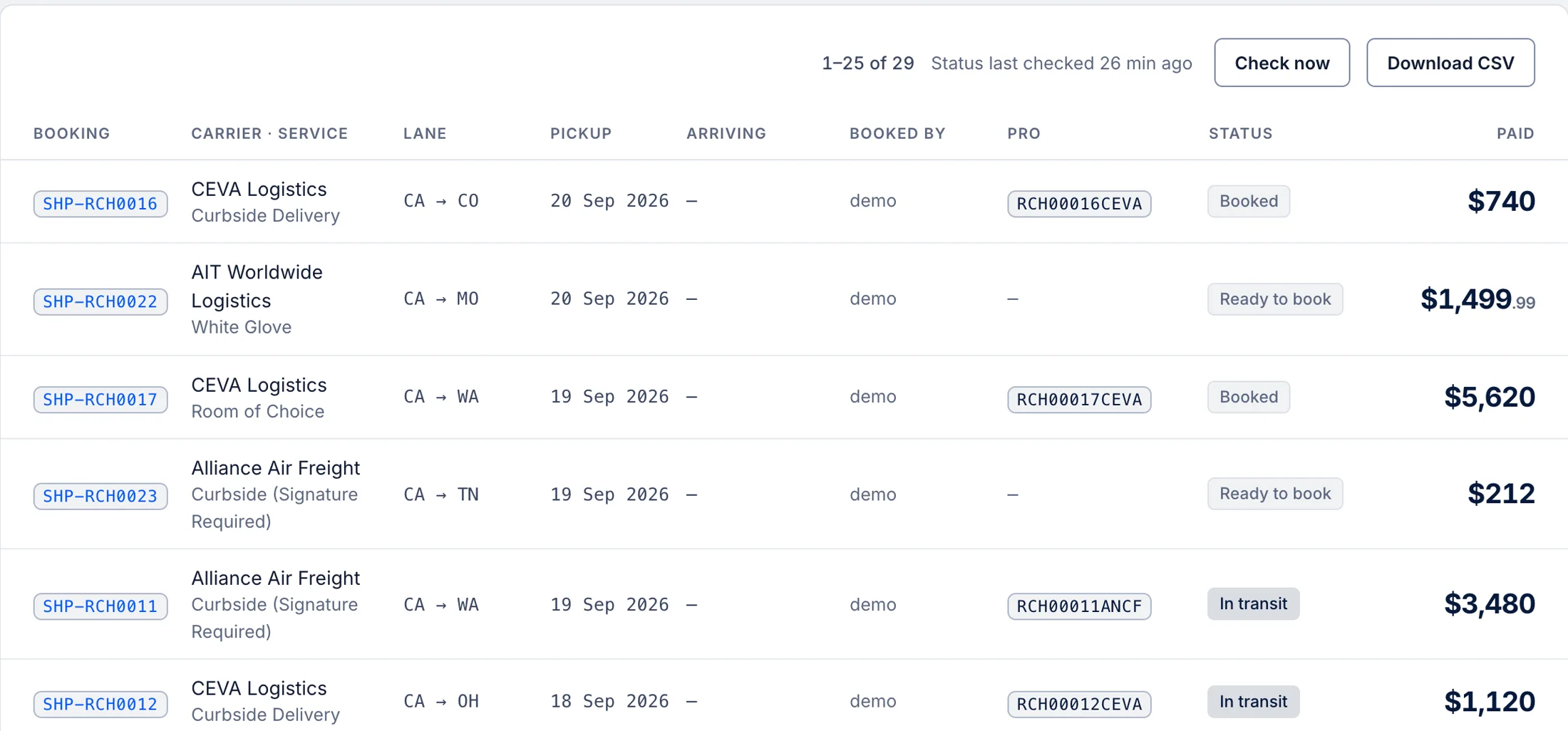
Price up to 50 lanes from one CSV; a bad row doesn’t fail the rest. Every quote is kept and can be booked while its rate holds. Any shipment can be booked again.
-
Members and permissions
Invite people as owner, admin or member, then switch on what each member may do: book, cancel anyone’s shipments, pay and see invoices, see all shipments, analytics, documents, export, addresses, catalog, settings.
-
Card or monthly invoice
Pay each booking by card, or save one for one-click booking, shared with the company or kept to you. Approved accounts book on account and get one invoice a month, payable online by card or ACH.
-
Tracking you can send
A timeline per shipment, the carrier’s own tracking link, and a no-login tracking page to forward to your customer, carrying your logo, color and a note. An activity feed lists every pickup, delay and delivery across the company.
-
Documents
Every Bill of Lading and proof of delivery in one searchable library, plus the rate sheets, tariffs and terms we publish for your account.
-
Help on the booking
Search the help center, ask the in-app assistant, or open a case from the shipment for damage, delay, address changes or cancellation. Replies land in the thread and in your inbox.
-
Analytics and export
Spend, lanes, carrier mix and quote-to-booking conversion across every member. Export everything we hold for your organization as CSV.
-
Several organizations, one login
Switch between entities from the top bar, each with its own catalog, shipments and billing.
-
Sign-in
Email and password, Google, or a passkey. Two-factor is required to book: passkey, authenticator app or text message (US and Canadian numbers), with recovery codes and an emailed code on a new device.
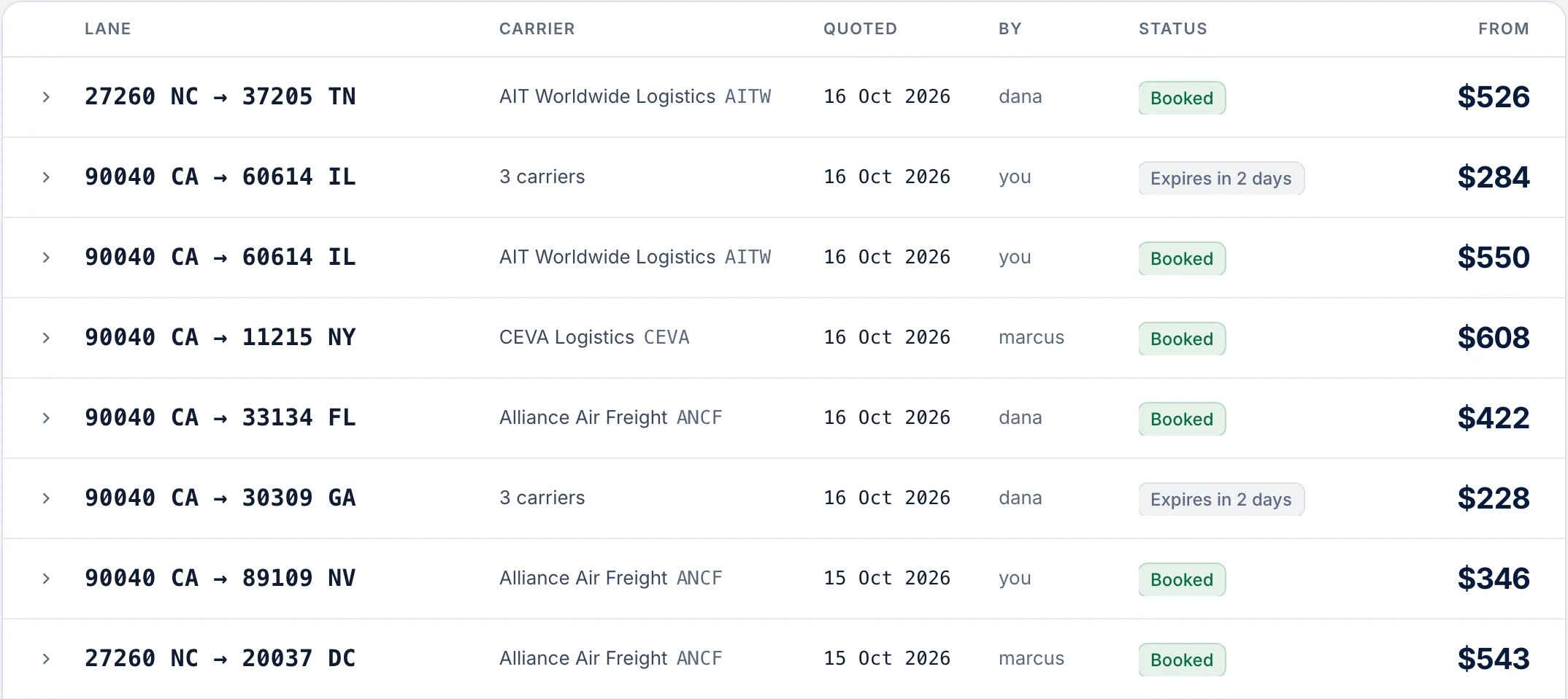
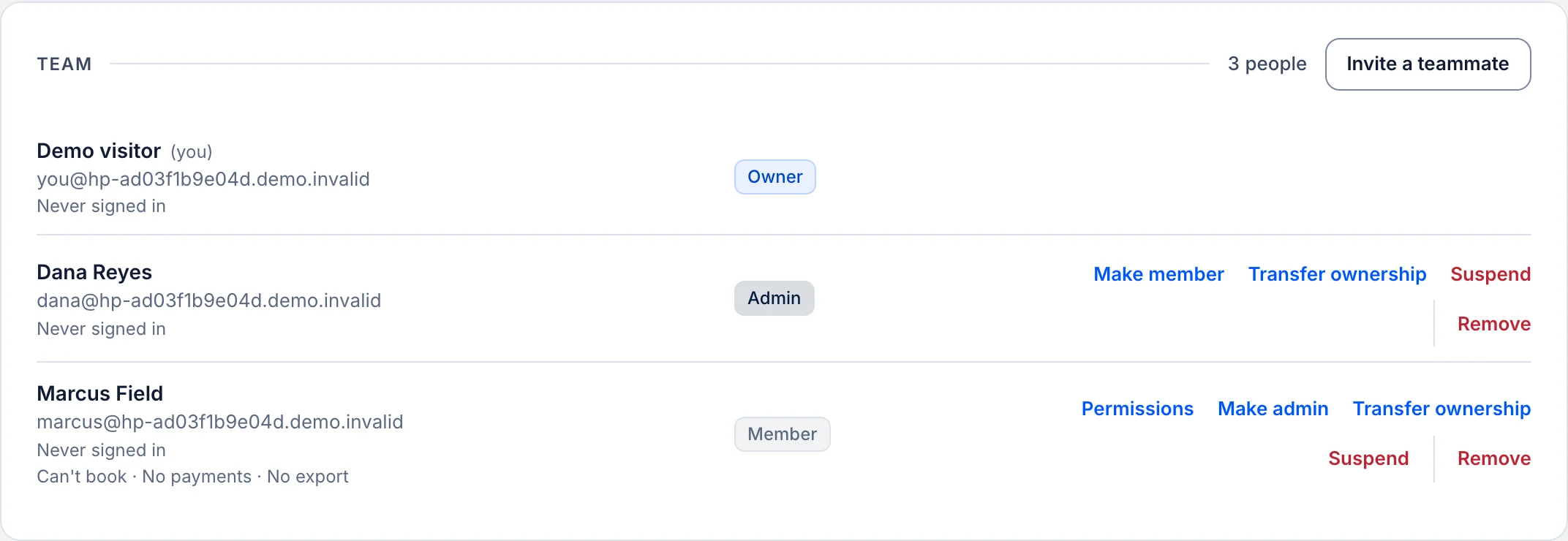
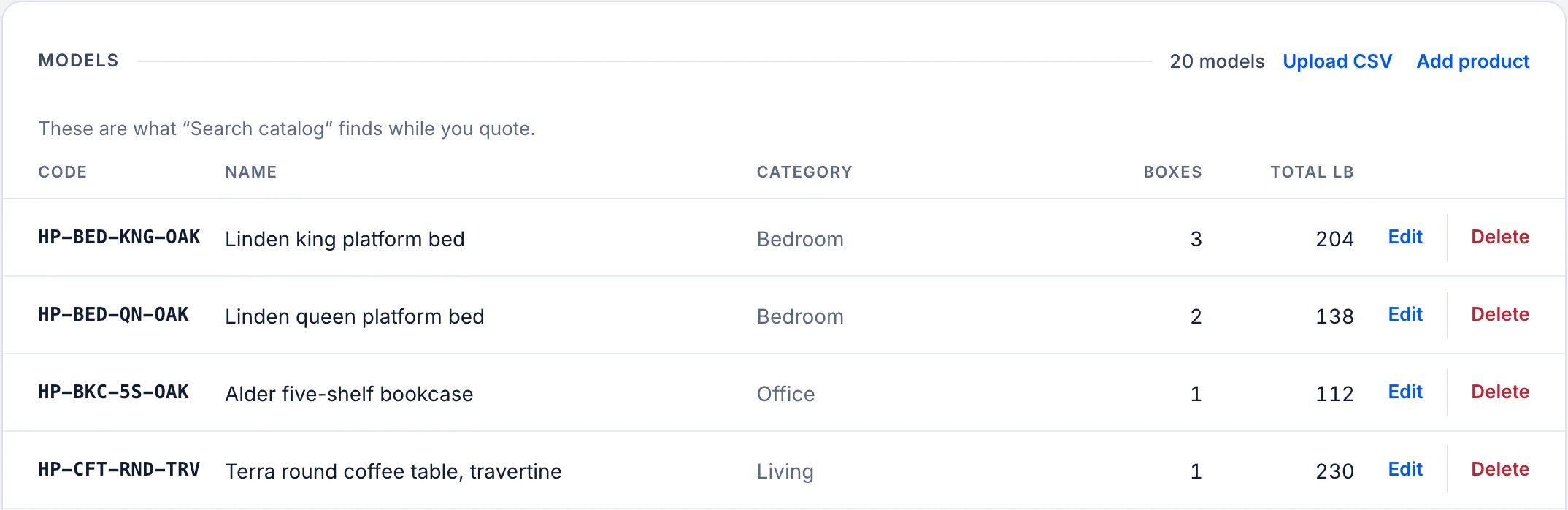
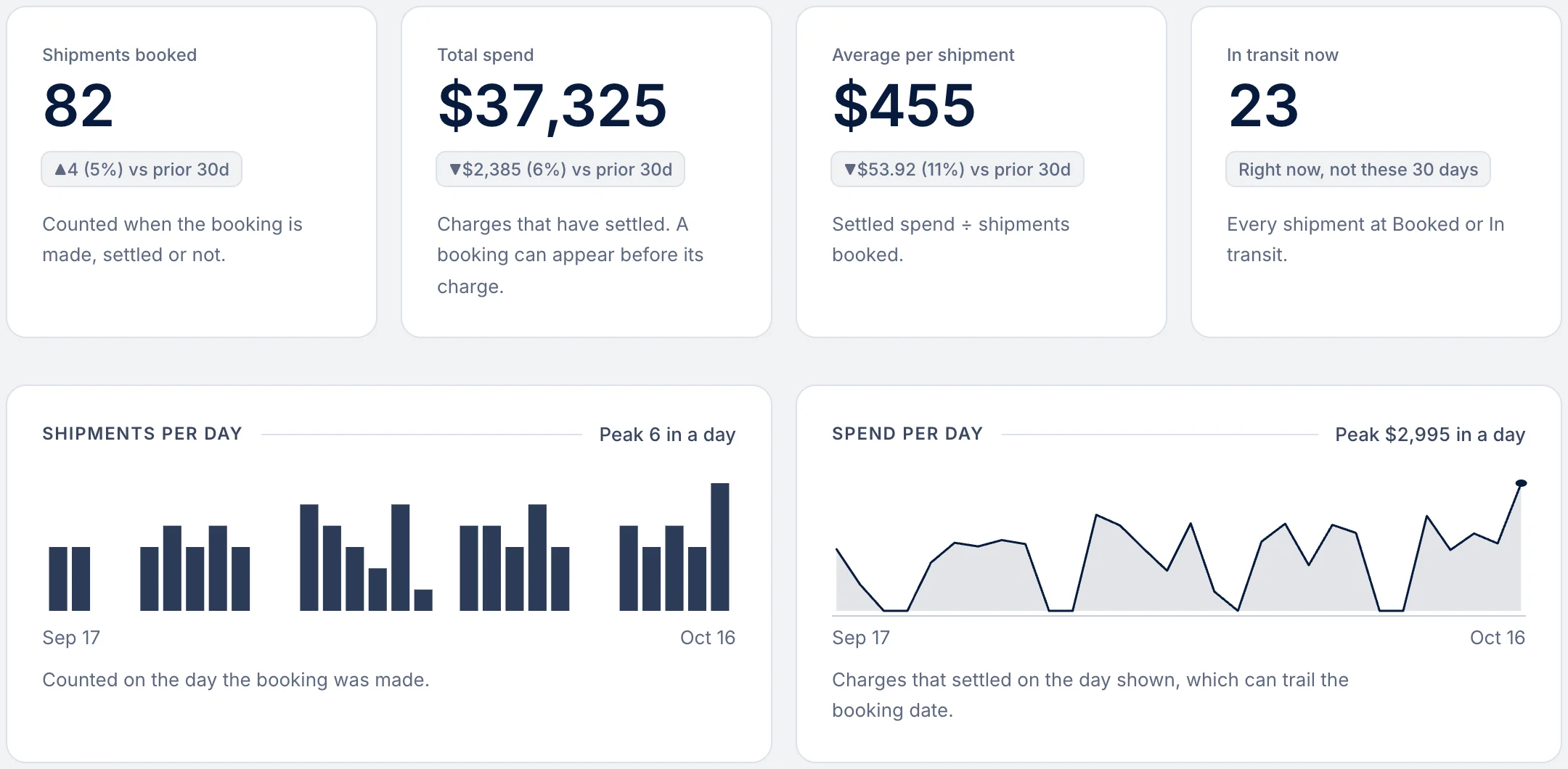
See it with sample data. Open the web app as Harbor & Pine Home, a furniture brand with three months of freight: get rates, book, follow tracking, open the paperwork. No sign-up; nothing is charged or sent to a carrier.
Try the demoAPI, webhooks and AI assistants
Quote, book, cancel, track and pull Bills of Lading and proofs of delivery over a REST API, and receive signed webhooks when a shipment is picked up, delayed, re-dated or delivered. Enabled per organization on request.
Your own AI assistant can use it too. Claude, or any other MCP client, connects at one URL with the same scoped key, then gets rates and follows shipments when you ask in plain language. It can’t book: every rate comes back with a link, and a person at your company books it.
- POST /api/v1/quotes
- POST /api/v1/bookings
- GET /api/v1/shipments/:id/bol
- GET /api/v1/tracking/:pro
- POST /api/v1/origins
- POST /mcp
Scoped bearer keys, issued and revoked by an owner or admin. Documented at /developers with an OpenAPI 3.1 schema and an MCP guide.
Same on both rails:
Freight that belongs to a Shopify order? The Shopify app quotes it from the order page.
Three steps to an account
- 01Sign up with your work email and a password, or with Google, and accept the terms.
- 02Confirm the email with the 6‑digit code we send, or the button in it.
- 03Add your ship-from address. Quoting is free.
Book your first shipment this week.
Create an account with your work email and start quoting as soon as it’s verified. Selling on Shopify instead? The app prices freight inside the order.
Want to look around first? Try the demo. Questions? Email us; we reply within one business day.